
Guide
Connect USB Microphone to iPhone: Why Some Cables Fail
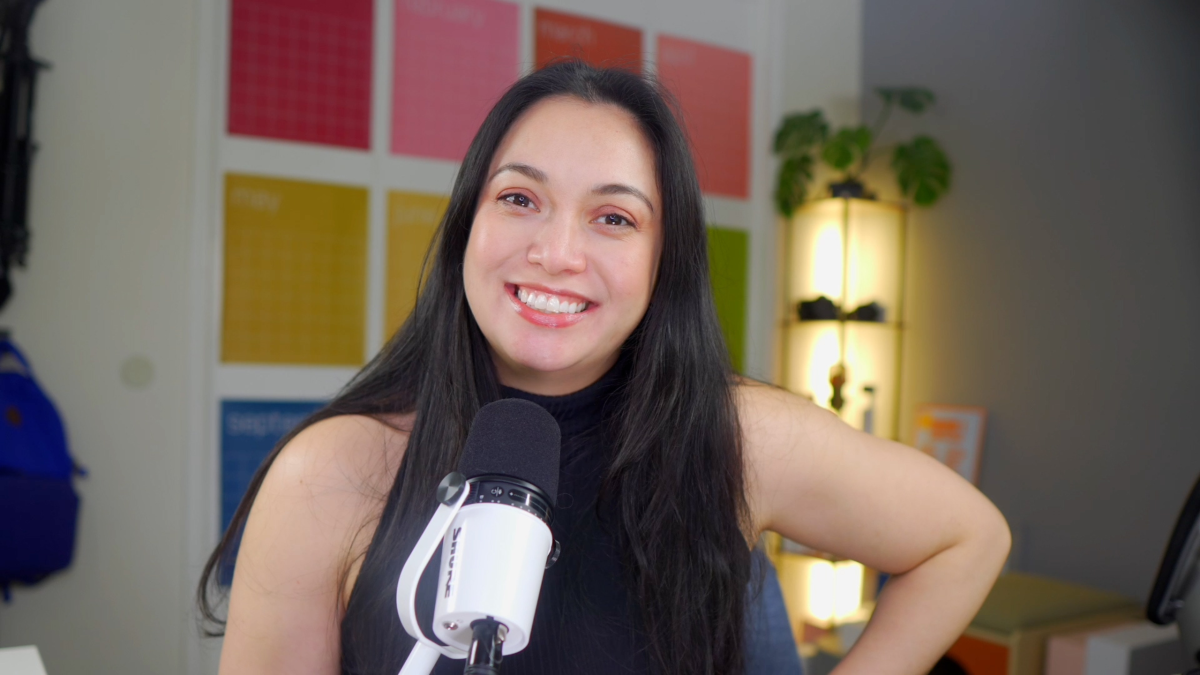
Written by AI but prompted, edited, and double checked by me! I added some stuff too, mmmkay.
Why Some Cables Work for USB Microphones and Others Don’t: Connecting Your Mic to Your iPhone Without the Headache
Hey there, fellow creators! Let’s talk about one of those annoying little hiccups we all run into – connecting a USB microphone to your iPhone. You’d think it’s a straightforward plug-and-play situation, but nope! Some cables work, and others just leave you screaming, “Why won’t you connect?!” Let’s dive into why this happens and how to avoid the frustration.
The Magic of USB Microphones and iPhones
USB microphones are amazing, right? (My current fav is the Shure MV7+) They offer killer audio quality and are super easy to use. But when you try to connect one to your iPhone, it’s like trying to fit a square peg into a round hole. Older model iPhones have Lightning ports, not standard USB ports. There is more to it than “the plug looks right.”
Enter: The Right Cables
Marielou’s Favorite Tried and Tested Microphone Cables for Lightning iPhones
- Shure USB-C to Lightning 15 for MV7+, MoveMic, or other USB-C Microphones
- Shure Micro USB to Lightning for MV7 or MV88+
- RODE SC19 for USB-C Microphones to Lightning
To connect your USB mic to your iPhone, you need a cable that can bridge the gap between your mic’s USB and your iPhone’s Lightning port. Here’s the lowdown on why some cables work and others don’t.
Why Some Cables Just Don’t Cut It
- Power Play: USB mics need more power than a basic cable can provide. Some cables can’t deliver the juice your mic needs to work its magic. The right cable needs to have built-in power management skills to ensure your mic is up and running.
- Data Drama: High-quality audio requires solid data transfer. Some cables just can’t handle the load, leading to crappy sound or no sound at all. The right cable ensures smooth, high-quality audio transfer without any glitches.
- Compatibility Quirks: Just because a cable fits doesn’t mean it works. Some aren’t designed to handle the audio data protocols that USB mics use. The right cable is built to handle these, ensuring your mic and iPhone speak the same language.
- Build Quality Matters: Cheap cables = cheap performance. They might break, fail, or just be unreliable. The right cable is made with high-quality materials, ensuring durability and a stable connection every time.
The Hero We Need: Finding the Right Cable
If you’re serious about connecting your USB mic to your iPhone, finding the right cable is crucial. Here’s what you should look for:
- Power: Make sure the cable can deliver the necessary power to your mic, no extra power sources needed.
- Data: Look for a cable that handles high-quality audio data transfer like a champ.
- Compatibility: Ensure the cable is built to work seamlessly with USB mics.
- Durability: High-quality build means it’s reliable and lasts longer.
Wrapping It Up
Connecting a USB mic to an iPhone shouldn’t be a hair-pulling experience. The key is understanding that not all cables are created equal. The right cable ensures you capture pristine audio without the drama, making your creative process smooth and enjoyable.
So, go ahead, grab the right cable, and keep creating those amazing videos and podcasts! Because in the world of content creation, the right tools make all the difference. Happy recording!
Some links on this page are affiliate links — I may earn a small commission at no extra cost to you, and I only recommend what I actually use. My ethics policy →